CryptPad
CryptPad is an application that allows collaborative editing of documents in real time. It is a complete office suite with all the tools necessary for productive collaboration. Applications include: Rich Text, Spreadsheets, Code/Markdown, Kanban, Slides, Whiteboard and Forms. You can find out more details on their official website: https://cryptpad.org/
CryptPad adds an extra layer of security as it implements end-to-end encryption. CryptPad data is encrypted in the browser so no readable data leaves the device nor is it stored on the server. However, if you lose your password, no one can help you recover it and you will no longer be able to decrypt your data.
Installation
Go to the Control Panel: in the Install applications section, you will see all the applications available for installation, including CryptPad. Just tick the Select checkbox and fill in the fields that will appear.
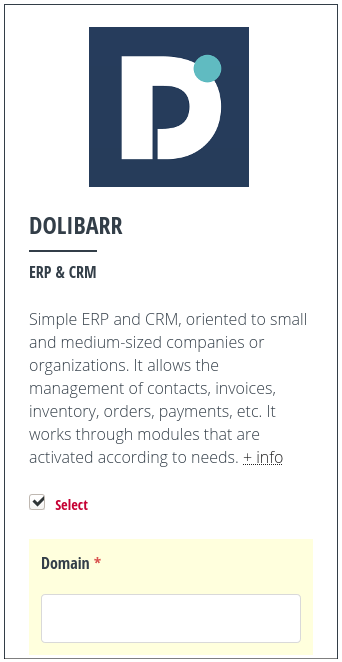
Installing CryptPad.
Two domains are required to install CryptPad:
A domain or subdomain for the installation. This is the primary domain that will be used to access the application and which will be visible in the browser.
A “sandbox” domain or subdomain that the application needs for its sandboxing system, which aims to strengthen security by limiting the risk of Cross-Site Scripting (XSS) vulnerabilities. Sensitive computations (such as cryptographic key processing) are handled in the main domain, while the user interface is implemented in the sandbox domain.
Both domains have to point to the IP address of the server. To do this you will have to add two A records in the DNS zone editor of your domain (an operation external to MaadiX). You can check this page for more information on how to create the necessary DNS entries.
In addition to the two domains, you can choose to enable the following two parameters, which you can change again at any time later from the Control Panel:
Access without registration: if you enable this checkbox you will allow the use of CryptPad without the need for people to be registered.
Enable automatic cleanup: enabling this option will activate the permanent and automatic deletion of files in the trash bin. The CryptPad trash bin fills up automatically as follows:
Documents that do not belong to any registered account: they will be deleted after 90 days.
Manually deleted items: will be permanently deleted after 15 days.
Inactive accounts and their documents: will be deleted after 365 days of inactivity.
Once you have set the desired parameters, you can click on the Install button.
Creating the administration account
After a few minutes, when the installation is complete, you will receive a confirmation email containing the link that will allow you to create the CryptPad administration account.
The first account that registers using this link will be the account with administration powers, so we recommend that you complete the registration as soon as you receive the email.
The password of this account is the secret key that encrypts your documents and also the one that grants access to the administration privileges of the instance. If it is lost, no one will be able to recover the data.
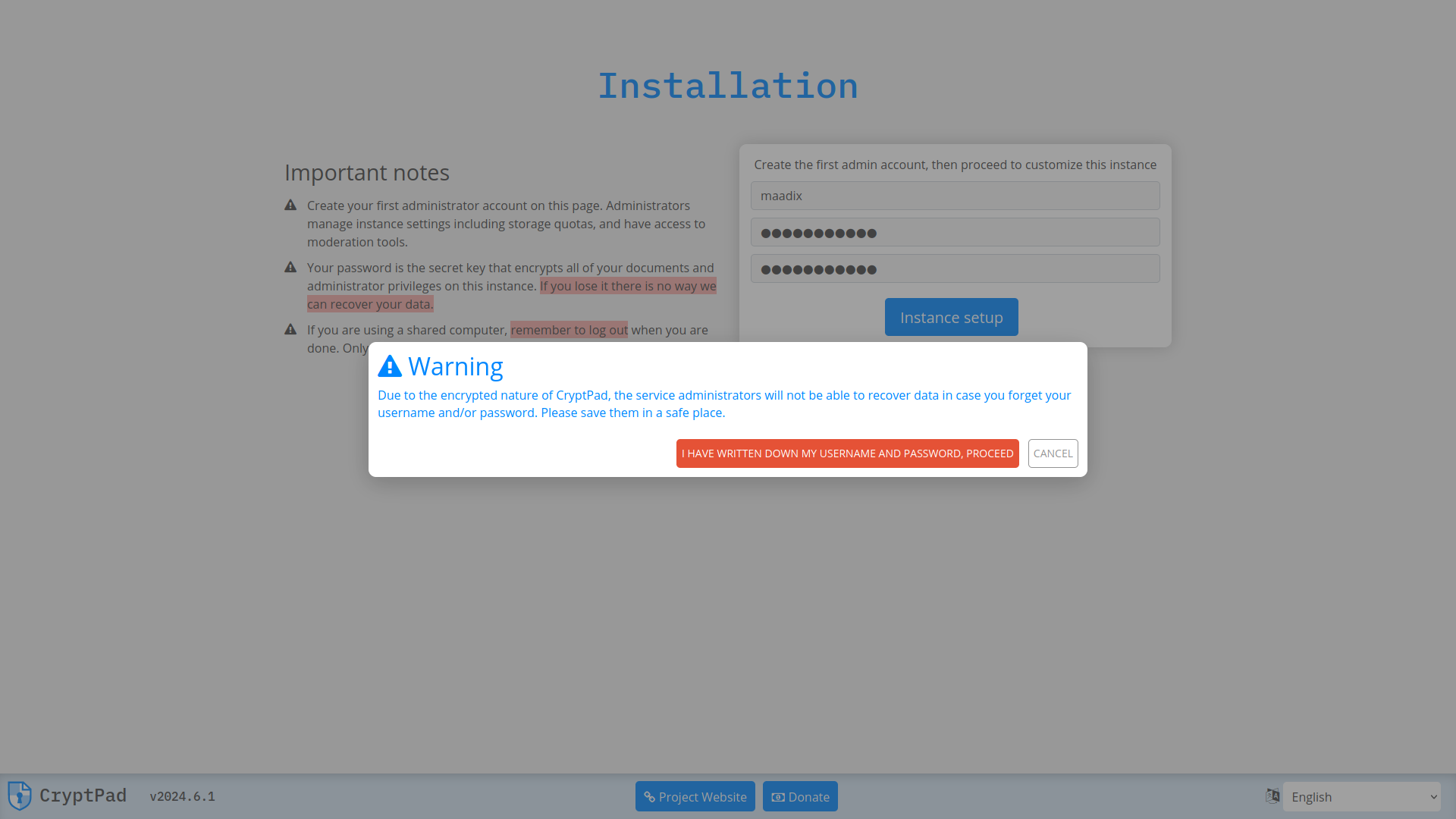
Notice about the CryptPad password.
The warning that appears when you activate the account is true: the MaadiX team will not be able to help you recover access to your documents either if you lose your password.
Here you can check the official documentation for the administration of CryptPad from the graphical interface and the options it offers.
Changing the domain and parameters
If you need to change the installation domains or subdomains of CryptPad, you have to go to the Control Panel and, in My applications > CryptPad > Configure, enter the new domains. From this same page you can change the values to allow access without registration or to enable automatic trash bin cleanup. The other parameters can be configured directly from the CryptPad administration interface.
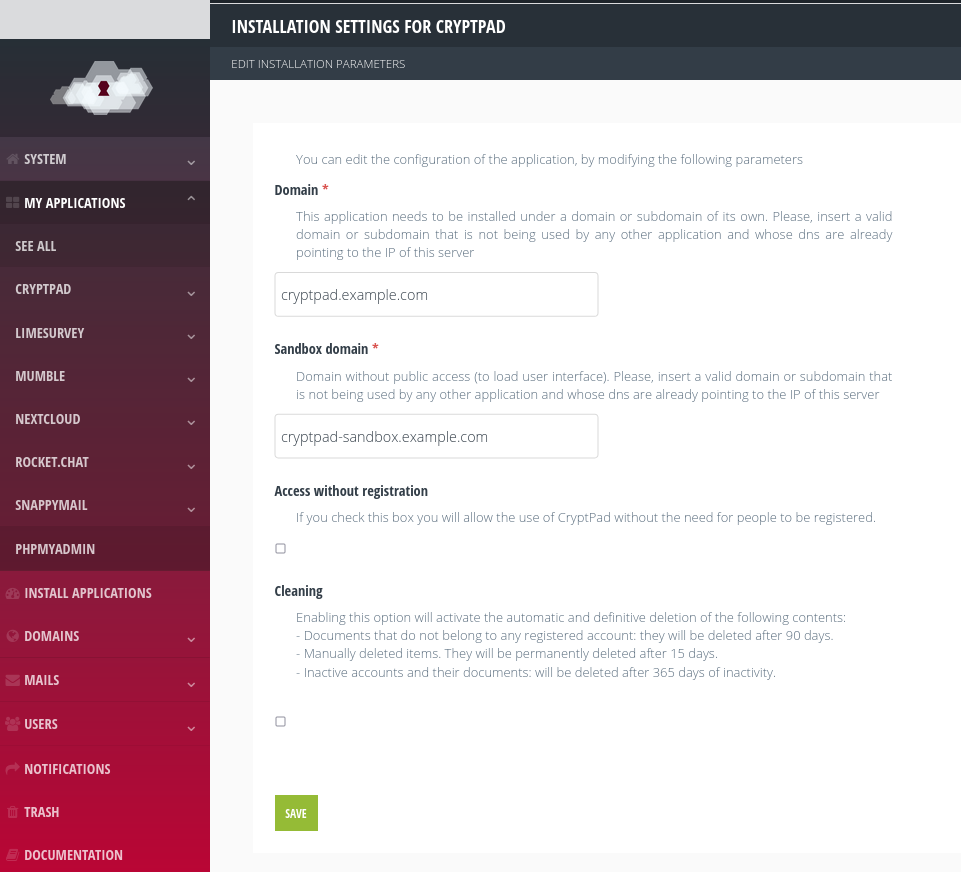
Changing the CryptPad domain.